AI Email Assistant Time-Saving Ad Template - Story
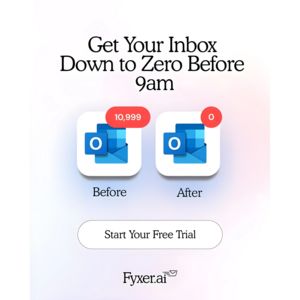
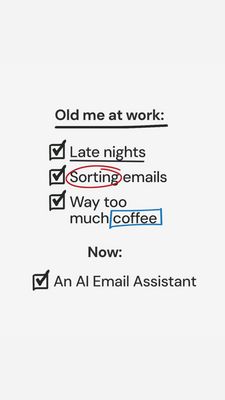
This 9:16 Story template promotes an AI email assistant designed to reduce inbox overload for busy professionals. The design is intentionally minimal and text-led: a clean white background, bold black...
Free for 7 days — Cancel anytime
About This Template
This 9:16 Story template promotes an AI email assistant designed to reduce inbox overload for busy professionals. The design is intentionally minimal and text-led: a clean white background, bold black headline typography, and hand-drawn checklist icons create a “notes on a whiteboard” feel. Key pain points are visually emphasized with red and blue marker-style circles/boxes around words like “Sorting emails” and “coffee,” instantly guiding the eye down the list. Strategically, it uses a relatable before/after contrast (“Old me at work” vs “Now”) to trigger curiosity and relief—perfect for top-of-funnel audiences who feel overwhelmed but haven’t researched tools yet. The checklist framing communicates progress and control, while the casual, humorous reference to late nights and too much coffee makes the message feel human rather than salesy. Customization is straightforward: swap the highlighted pain points for your audience’s top friction (follow-ups, meeting notes, prioritization), replace the final line with your product name/benefit, and match the marker highlight colors to your brand while keeping the high-contrast readability.